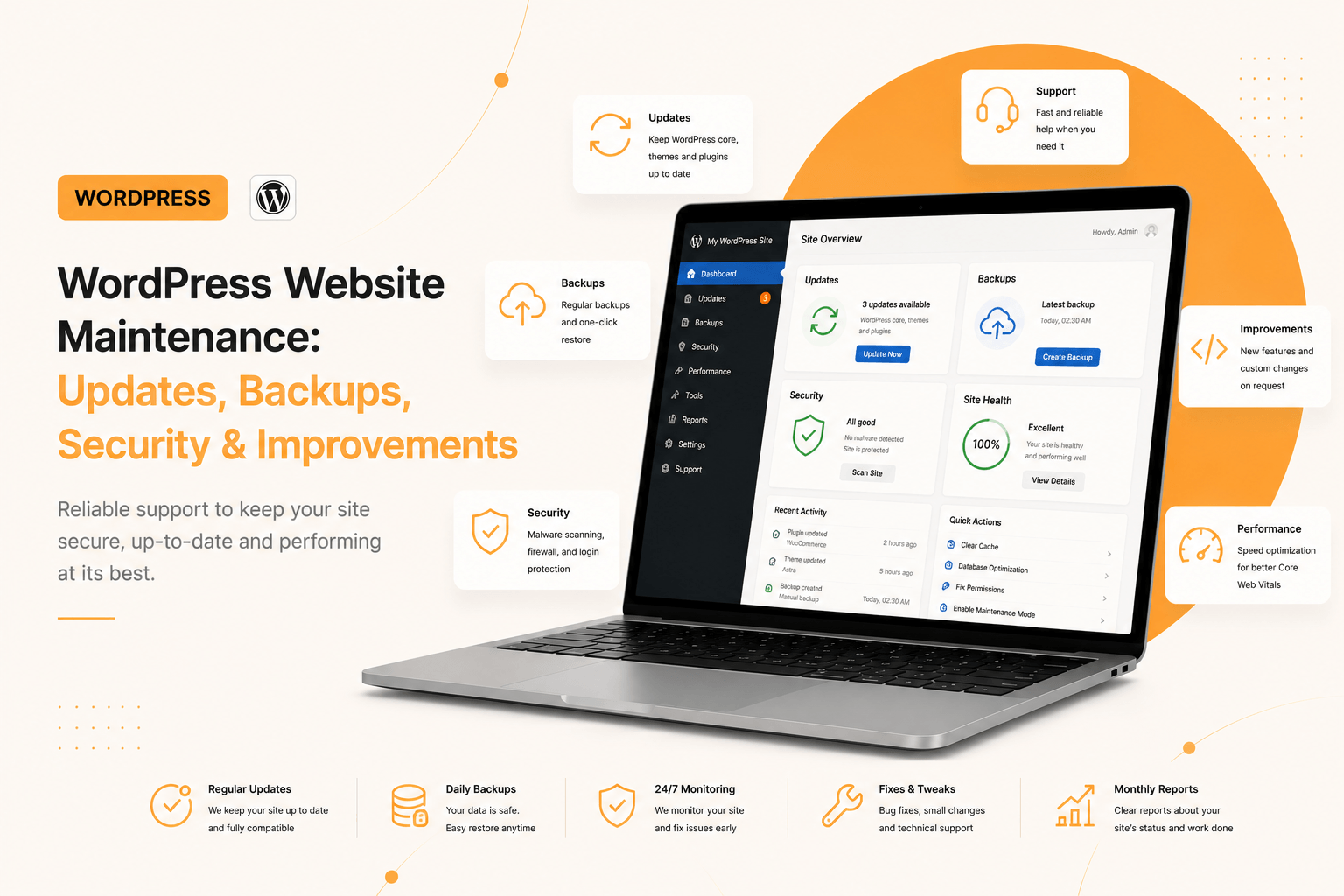
WordPress website maintenance starts with a simple fact: a website is not a painting you hang up and forget. It is a working system: core and plugin updates are released, browser requirements change, new vulnerabilities appear, and the business asks to “add one more form”. Without regular care a site does not break immediately — it quietly ages until one day it stops opening.
Let us break down what WordPress technical maintenance actually includes, which cooperation formats exist, what determines the price, and what to do if the site has already been hacked.
Why maintenance is needed
The most common scenario looks like this: the site is built, runs for a year untouched, then the host updates PHP — and the page returns a white screen. Or an old plugin gets a vulnerability and a redirect to a casino is injected. A warning appears in search, traffic drops, and recovery costs more than a year of prevention.
- Security. Most hacks are not a “hacker” but an automated bot scanning for known vulnerabilities in outdated plugins.
- Compatibility. PHP, the WordPress core and plugins update independently; incompatibility surfaces at the worst possible moment.
- Speed. Over time revisions, transients, heavy images and unnecessary scripts pile up.
- Rankings. An unavailable or infected site loses what SEO built up over months.
What maintenance includes
Updates
Core, theme, plugins. The key word is controlled. Auto-updating everything on a live site sooner or later breaks the layout or a form, and nobody notices until the enquiries stop. The right process: back up first, then update on a copy, check the critical flows, and only then production.
Backups
A backup is not a file on the same server as the site. If the server is compromised, you lose the “backup” along with the site. The working rule is 3-2-1: three copies, on two different media, one off-server. And above all: a backup that has never been restored is not a backup. Test restoration at least once a quarter.
Monitoring
You should learn about downtime from a monitoring system, not from a client. The minimum set: uptime, SSL certificate and domain expiry, errors in Search Console, and for a store — a check that the order form actually submits.
Security
- Two-factor authentication for administrators, and strong passwords.
- Login attempt limits — protection against brute force.
- Minimal plugins and removal of inactive ones: an inactive plugin is vulnerable too.
- Roles on a need-to-have basis. A content manager does not need administrator rights.
- Disabling file editing from the admin panel.
The last one is enabled with a single line in wp-config.php — and immediately closes the most convenient way for an attacker to inject code through the admin panel:
// Disable theme and plugin editing from the admin panel
define( 'DISALLOW_FILE_EDIT', true );

// Limit the number of stored post revisions
define( 'WP_POST_REVISIONS', 5 );

// Auto-updates — security core releases only
define( 'WP_AUTO_UPDATE_CORE', 'minor' );
Technical housekeeping
Cleaning the database of revisions, spam and orphaned transients, reviewing autoloaded options, checking for broken links, monitoring Core Web Vitals. Invisible work that keeps the site in shape.
Improvements: evolution instead of rebuilding
Maintenance is not only about “keeping it from falling over”. It is also steady evolution: a new section on the home page, another form, a CRM integration, a dedicated page for an ad campaign, a filter in the catalogue.
The difference between an improvement and a rebuild lies in the architecture. If the site is built on a custom theme with a sound structure, a new section is added as a separate block within hours. If the site is assembled in a builder on top of a universal theme, every change risks affecting its neighbours — and a “small edit” turns into a day of work.
Cooperation formats
Monthly retainer
A fixed monthly fee: updates, backups, monitoring, security and a set number of hours for minor improvements. Suits cases where the site is a working business tool and downtime costs money. The most predictable option for both you and the developer.
Hour packages
You buy, say, 10 hours and spend them as needed. Convenient when tasks come up irregularly. The downside: prevention usually gets postponed, because you want to spend the hours on visible changes.
One-off work
A task comes up, it is estimated and done. An honest format for projects that rarely change. But updates and backups remain your responsibility in this mode: on-call support begins only once something has already broken.
What determines the price
- Type of site. A landing page, a corporate site and a WooCommerce store require different amounts of attention: a store has payments, stock and orders.
- The number of integrations. CRM, payment gateways, delivery services — each can break independently.
- The state of the code. A clean theme is cheaper to maintain than layers of plugins and live patches.
- Response time. A next-day response and “urgently at the weekend” are different rates.
- The volume of improvements. How many development hours are included per month.
What to do if the site is hacked
- Do not delete anything straight away. First take a full copy — it will be needed for the investigation.
- Change all passwords: hosting, FTP/SSH, database, WordPress admin accounts.
- Find the entry point. Usually an outdated plugin or stolen credentials.
- Restore from a clean backup made before the infection date.
- Close the vulnerability — otherwise you will be hacked again within days.
- Request a review in Search Console to remove the warning from search results.
The most expensive step here is the fourth. Without a clean backup you have to manually clean infected files and the database, and nobody can guarantee everything was found.
Common mistakes by site owners
- “I’ll update later.” A vulnerability is published together with the patch — bots scan sites the same day.
- One password for everything and a shared admin account “for everyone”.
- Nulled plugins. Cracked premium versions almost always come with a “bonus”.
- Code edits directly in the theme — they vanish with the first update.
- No credentials. The developer disappeared and so did the hosting passwords — a classic.
FAQ
What does technical website maintenance include?
Controlled updates of the core, theme and plugins, regular backups with restore testing, uptime and SSL monitoring, basic protection against hacking, database cleanup and speed monitoring. This usually also includes a set number of hours for minor improvements and consultations.
Can I update WordPress myself?
You can, provided you back up before every update and check the site afterwards. The risk is that a plugin update breaks the layout or a form invisibly: the page opens but enquiries stop arriving. That is why updates should first be run on a copy of the site.
How often are backups needed?
It depends on how much data you are prepared to lose. For a business-card site a weekly copy is enough; for a blog with regular posts, daily; for an online store with orders, daily or more often. The copy must be stored off the site’s server.
How much does site maintenance cost?
The cost depends on the type of site, the number of integrations, the state of the code, the required response time and the volume of included development hours. A store with payments and delivery costs more to maintain than a landing page. The exact figure is determined after a short technical audit.
Do you take on sites built by others?
Yes, but an audit comes first: reviewing the code, versions, plugins and whether backups exist. Sometimes it turns out the site is assembled in such a way that building a new theme is cheaper than paying for years of maintaining the layers. The audit gives an honest answer before cooperation begins.
Summary
Maintenance costs noticeably less than recovery. Regular updates, working backups, monitoring and basic security hygiene are insurance costing a few hours a month. Recovery after a hack without a backup means days of work, lost rankings and lost client trust.
And the cleaner the architecture — a custom theme instead of a builder — the cheaper the site is to maintain and the faster new things can be added.
Send me the credentials or simply a link to the site — I will run a technical audit and tell you what needs attention first.