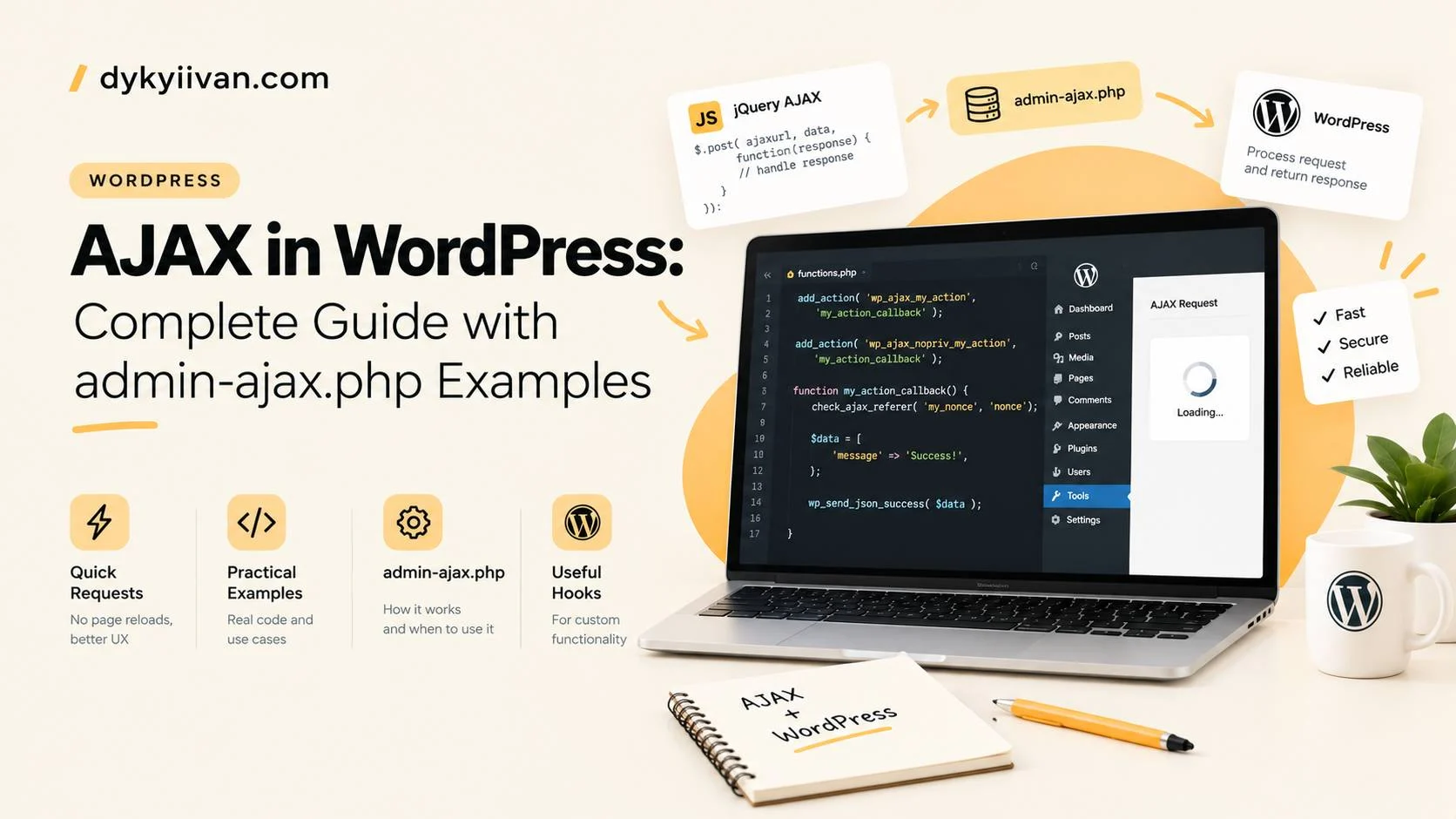
Short answer: WordPress AJAX lets JavaScript talk to the server without reloading the page. The classic way is to send a request to admin-ajax.php with an action name, and WordPress runs the PHP function you hooked to wp_ajax_{action} (logged-in users) or wp_ajax_nopriv_{action} (visitors). The function returns JSON, and your script updates the page. The modern alternative is a custom REST API endpoint.
Let’s walk through it step by step, the way a senior developer would explain it to a trainee: first the idea, then a minimal working example, then security, and finally the errors that waste most people’s time.
What is AJAX and why use it in WordPress?
AJAX stands for Asynchronous JavaScript and XML, but today nobody sends XML. You send a request in the background, get JSON back and change a part of the page. Typical uses: live search, “load more” buttons, filtering products, submitting a form without a page reload, voting or liking a post.
WordPress needs a standard entry point for these requests, because your theme or plugin PHP code does not run unless WordPress is loaded. That entry point is wp-admin/admin-ajax.php.
How does AJAX work in WordPress?
- The browser runs JavaScript and sends a POST request to
admin-ajax.phpwith a field calledaction. - WordPress loads, checks the
actionvalue and fires the matching hook:wp_ajax_my_actionfor logged-in users orwp_ajax_nopriv_my_actionfor visitors. - Your PHP function runs, checks security, does the work and returns JSON with
wp_send_json_success()orwp_send_json_error(). These functions also stop the script. - JavaScript receives the JSON and updates the DOM.
Trainee trap: the action is just a string you invent. It is not a WordPress feature name. If the string in JavaScript and the string in add_action() differ by one character, nothing happens.
A minimal WordPress AJAX example
We will build a tiny live search that returns the titles of matching posts. It has three parts: load the script and pass it the AJAX URL and a nonce, handle the request in PHP, and call it from JavaScript.
Step 1: enqueue the script and pass the AJAX URL
On the front end WordPress does not give you a global ajaxurl variable, so pass it yourself with wp_localize_script(). Add this to your theme’s functions.php or to a plugin:
add_action( 'wp_enqueue_scripts', function () {
    wp_enqueue_script(
        'my-ajax',
        get_template_directory_uri() . '/js/my-ajax.js',
        array(),
        '1.0',
        true
    );

    wp_localize_script( 'my-ajax', 'myAjax', array(
        'url'   => admin_url( 'admin-ajax.php' ),
        'nonce' => wp_create_nonce( 'my_ajax_nonce' ),
    ) );
} );
Step 2: write the PHP handler
Register one function for both logged-in users and visitors. Check the nonce first, then clean the input, then do the work:
add_action( 'wp_ajax_my_action', 'my_ajax_handler' );
add_action( 'wp_ajax_nopriv_my_action', 'my_ajax_handler' );

function my_ajax_handler() {
    check_ajax_referer( 'my_ajax_nonce', 'nonce' );

    $term = isset( $_POST['term'] ) ? sanitize_text_field( wp_unslash( $_POST['term'] ) ) : '';

    if ( '' === $term ) {
        wp_send_json_error( array( 'message' => 'Empty search term' ), 400 );
    }

    $query = new WP_Query( array(
        's'              => $term,
        'posts_per_page' => 5,
        'post_status'    => 'publish',
    ) );

    $items = array();
    foreach ( $query->posts as $post ) {
        $items[] = array(
            'title' => get_the_title( $post ),
            'url'   => get_permalink( $post ),
        );
    }

    wp_send_json_success( $items );
}
Step 3: call it from JavaScript with fetch
Send the action, the nonce and your data as form data. A URLSearchParams body sets the right content type for you:
const form = document.querySelector('#search-form');
const list = document.querySelector('#results');

form.addEventListener('submit', async (event) => {
  event.preventDefault();

  const body = new URLSearchParams({
    action: 'my_action',
    nonce: myAjax.nonce,
    term: form.elements.term.value,
  });

  const response = await fetch(myAjax.url, { method: 'POST', body });
  const json = await response.json();

  if (!json.success) {
    console.error(json.data.message);
    return;
  }

  list.replaceChildren(
    ...json.data.map((item) => {
      const li = document.createElement('li');
      const a = document.createElement('a');
      a.href = item.url;
      a.textContent = item.title;
      li.append(a);
      return li;
    })
  );
});
Notice that the titles are added with textContent, not innerHTML. Never put data from the server into the page as raw HTML unless you have escaped it first.
The same request with jQuery
Older themes still use jQuery. The idea is identical, only the syntax changes. You do not need jQuery for new code:
jQuery.post( myAjax.url, {
  action: 'my_action',
  nonce: myAjax.nonce,
  term: 'wordpress'
} ).done( function ( response ) {
  console.log( response.data );
} );
What can you build with WordPress AJAX?
- Live search. The example above, plus a debounce so you do not fire a request on every keystroke.
- Load more and pagination. Send the page number, run
WP_Querywithpagedand return the next posts. - Filters. Send selected categories or attributes and return the filtered list, for example in a WooCommerce shop.
- Forms. Submit data without leaving the page and show a success message.
- Login, voting and likes. Small actions that update one element.
For “load more” you only change the data you send and the query you run:
$paged = isset( $_POST['page'] ) ? absint( $_POST['page'] ) : 1;

$query = new WP_Query( array(
    'post_status'    => 'publish',
    'posts_per_page' => 6,
    'paged'          => $paged,
) );
How do you keep WordPress AJAX requests secure?
Every AJAX handler is a public door into your site, so treat it like one. Four rules cover most cases:
- Verify a nonce with
check_ajax_referer(). It protects against forged requests. It is not a login, and a cached page can serve an expired nonce. - Check capabilities with
current_user_can()for anything that changes data or shows private data. - Sanitise input with functions such as
sanitize_text_field()andabsint(), and escape output when you print it. - Do not register a
noprivhook for actions that only logged-in users should run. If the action edits or deletes something, it must not be available to visitors.
AJAX or the REST API: which should you choose?
admin-ajax.php still works and is fine for small tasks in themes and plugins. The REST API is the better choice for new code that other apps may call, for requests that can be cached, and for cleaner URLs and permission checks. One practical difference: every admin-ajax.php call loads the whole WordPress environment, so it can be slow on a heavy site.
A REST route for the same search looks like this. Note that permission_callback is required, and for a public endpoint you set it explicitly:
add_action( 'rest_api_init', function () {
    register_rest_route( 'myplugin/v1', '/search', array(
        'methods'             => 'GET',
        'callback'            => 'my_rest_search',
        'permission_callback' => '__return_true',
        'args'                => array(
            'term' => array(
                'required'          => true,
                'sanitize_callback' => 'sanitize_text_field',
            ),
        ),
    ) );
} );| admin-ajax.php | REST API | |
|---|---|---|
| Best for | Simple theme or plugin actions | New features, public or cached data, external apps |
| Security | Nonce and your own checks | Nonce (X-WP-Nonce) and permission_callback |
| Speed | Loads full WordPress each time | Loads WordPress too, but easier to cache GET requests |
| URL | One URL for everything | A separate URL per route |
Why is my WordPress AJAX request not working?
Open the browser developer tools, go to the Network tab and look at the request to admin-ajax.php. The status code and the response tell you most of what you need:
| Symptom | Likely cause | What to check |
|---|---|---|
Response 0 with status 200 | Your handler ran but did not stop the script | End the handler with wp_send_json_success(), wp_send_json_error() or wp_die() |
Response 0 with status 400 | No hook is registered for this action, or the action is missing | Match the action string exactly and add the wp_ajax_nopriv_ hook for visitors |
-1 or status 403 | The nonce check failed, or a security plugin or firewall blocked the request | Check the nonce name, refresh cached pages and review your security plugin rules |
myAjax is not defined | The script was not enqueued or localized | Check the handle in wp_enqueue_script() and wp_localize_script() |
| Handler code never runs | The code is skipped on AJAX requests | admin-ajax.php counts as admin, so code wrapped in ! is_admin() will not load |
If requests are slow, look at what the handler does: heavy queries, remote calls and plugins loading on every request. For general performance work, see WordPress speed optimisation.
Frequently asked questions
What is admin-ajax.php in WordPress?
It is the file WordPress provides to handle AJAX requests. It loads WordPress, reads the action parameter and runs the PHP function registered for it.
What is the difference between wp_ajax and wp_ajax_nopriv?
wp_ajax_{action} runs for logged-in users and wp_ajax_nopriv_{action} runs for visitors who are not logged in. To support both, register your function on both hooks.
How do I get the AJAX URL on the front end?
Pass it from PHP with wp_localize_script() using admin_url( 'admin-ajax.php' ), as in the example above. Do not rely on a global ajaxurl variable outside the admin area.
Is admin-ajax.php deprecated?
No, it is still supported. For new features that other applications may use, the REST API is usually the better fit.
Do I need jQuery for AJAX in WordPress?
No. The browser’s fetch() works well, and jQuery is only needed if your theme or plugin already depends on it.
Is AJAX safe in WordPress?
Yes, if you verify a nonce, check capabilities, sanitise input and escape output. An AJAX handler that skips these checks is a security risk.
Need help with WordPress development?
If you need custom WordPress features, themes or a development partner for your agency, send a short brief and I will reply with questions and an estimate. Email: dykyiivan@outlook.com, Telegram: t.me/dykyiivan.
Discuss a project