When a business goes online, the first decision is where to build the store: on a marketplace, in a website builder, or on your own platform. For the Ukrainian market, a WooCommerce online store remains the most balanced choice: you get your own site, full control over your data and unrestricted integrations with local services — from Nova Poshta to fiscal receipts.
In this article we break down what a WooCommerce store in Ukraine needs, which integrations are mandatory, and which stages WooCommerce store development goes through, and what determines price and timelines.
Why WooCommerce rather than a marketplace or a builder
Prom, Rozetka or website builders offer a fast start, but come with three systemic limitations: you rent the audience, pay a commission on every sale and do not own the customer data. Your own WooCommerce store solves this:
- No commission on turnover. You pay for hosting and card processing, not a percentage to a platform.
- The customer base is yours. Email, order history, remarketing — all in your own system.
- SEO without limits. Your own URLs, meta tags, structured data and a blog — a source of free traffic.
- Any integrations. From accounting systems to custom calculators — without “the platform can’t do that”.
- No vendor lock-in. The site can be moved to another host within an hour.
A sensible strategy is your own store as the foundation plus feeding products to marketplaces as an additional channel. That way you do not depend on a single platform.
What an online store in Ukraine needs
This is exactly where “universal” solutions lose. Ukrainian shoppers expect specific services — and if they are missing, they abandon the cart.
Online payments and card processing
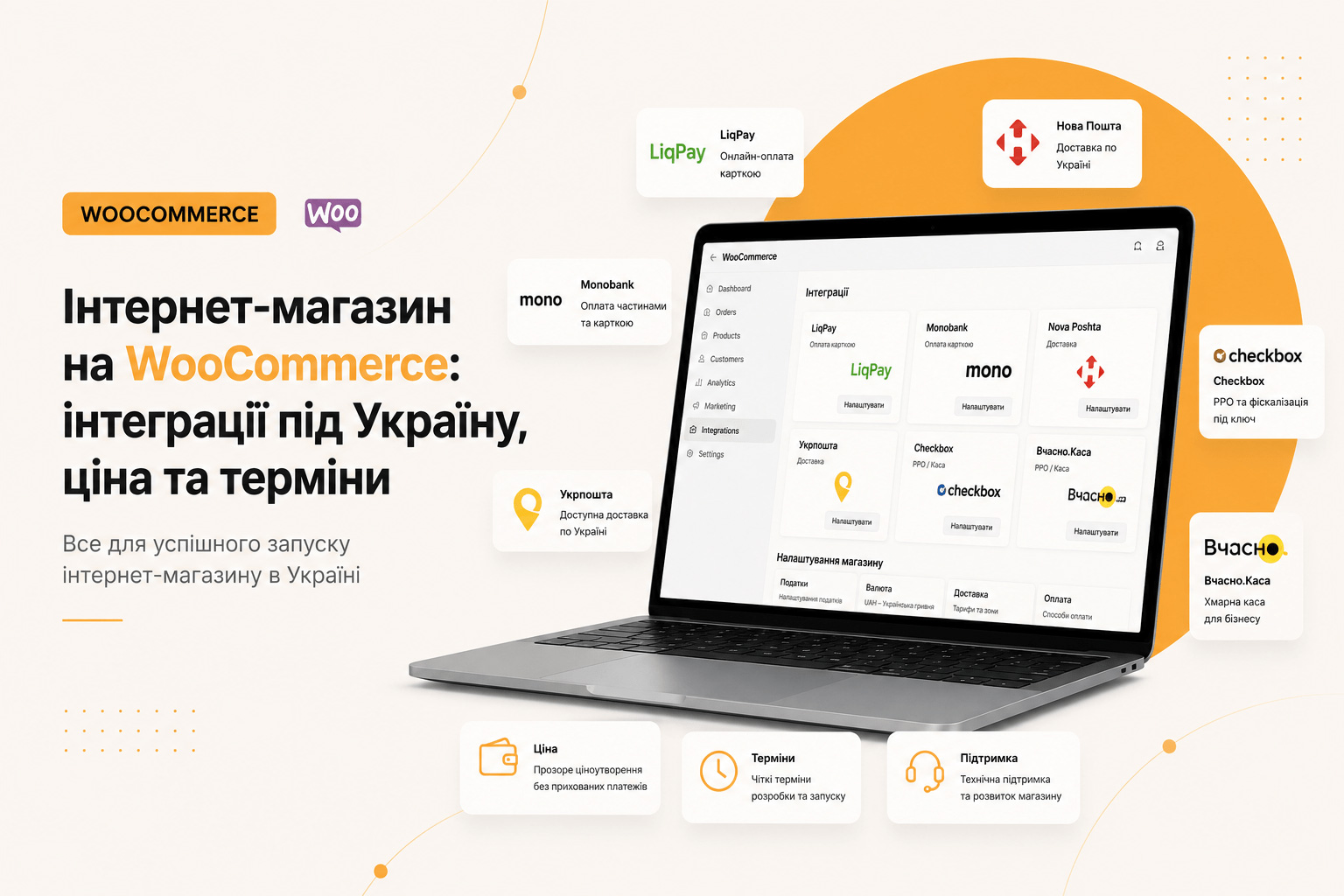
The minimum is card payment online and cash on delivery. Working options for Ukraine: LiqPay (PrivatBank), Fondy, WayForPay, Monobank acquiring, as well as Apple Pay / Google Pay. Choose based on commission size, payout speed and the convenience of the merchant dashboard.
Delivery: Nova Poshta and others
Integration with the Nova Poshta API is effectively mandatory: choosing a city and branch (or parcel locker) right in the cart, automatic cost calculation, and creating waybills from the admin panel. Additionally — Ukrposhta, Meest, pickup and city courier.
Fiscal receipts (RRO)
If you accept online payments, a software cash register is required. The most common are Checkbox and Vchasno.Kasa. The integration automatically generates a fiscal receipt and sends it to the buyer. This is not an “option for later” — it is a legal requirement and must be planned at the specification stage.
Accounting: 1C, BAS, CRM
Once you have more than a few hundred products, updating stock manually becomes a nightmare. Two-way synchronisation with 1C/BAS or your accounting system pulls in prices and availability and sends orders back. Orders are also worth consolidating in a CRM (KeyCRM, Perfectum, Bitrix24).
Feeds to marketplaces
An automatic YML/XML feed for Rozetka, Prom, Google Shopping and Facebook Catalog. One catalogue — all sales channels, without duplicating work.
Stages of online store development
- Brief and technical specification. Product range, payment and delivery methods, accounting, required integrations.
- Catalogue structure. Categories, attributes, variations, filters. The most important stage for SEO and usability.
- Prototype and design. Product page, cart, checkout — this is where sales are lost.
- Development and integrations. Theme, WooCommerce, payments, delivery, fiscal receipts, accounting, feeds.
- Product population. Import from a spreadsheet or accounting system, photos, descriptions, meta tags.
- Testing. Real test payments, waybill creation, fiscal receipts, buyer emails.
- Launch and support. Migration, SSL, analytics, e-commerce goals, backups.
What determines the price of an online store
- The number of products and catalogue complexity — variations, sizes, colours, bundles.
- The number of integrations — each one (payments, delivery, fiscal receipts, accounting, feeds) adds development and testing hours.
- Design uniqueness — adapting a ready-made theme or a mockup from scratch.
- Content population — whether you already have a product export, photos and descriptions.
- Non-standard logic — calculators, wholesale pricing, a dealer portal, a loyalty programme.
The most expensive option in the end is a store built “on a builder with random plugins”: within six months it gets rebuilt from scratch because it cannot handle the load and resists any improvements.
How long development takes
- Simple store (up to 100 products, payments + Nova Poshta): 3–5 weeks
- Medium (variations, filters, fiscal receipts, feeds): 6–8 weeks
- Complex B2B (accounting integration, wholesale pricing, dealer portal): 8–12 weeks
Common mistakes in Ukrainian stores
- A three-step checkout with mandatory registration. Every extra field costs conversion. Checkout should be on a single page, without an account.
- No Nova Poshta branch selector. Buyers do not want to type the address manually.
- A slow catalogue. Thirty plugins and a heavy builder — and the filter takes five seconds to think.
- No mobile version of the cart. Most traffic is mobile.
- Ignoring fiscal receipts. The issue surfaces after the first sales — and halts the store.
Pre-launch checklist
- A real test payment (and refund) has been made.
- Nova Poshta waybills are created from the admin panel and the cost is calculated correctly.
- The fiscal receipt reaches the buyer by email.
- “Order received / shipped” emails arrive and do not land in spam.
- E-commerce tracking is configured in GA4 and Search Console.
- Catalogue speed is 85+ in PageSpeed on mobile.
- Automatic backups are configured.
FAQ
WooCommerce or Prom — which to choose?
Prom gives a fast start and ready-made traffic, but takes a commission and keeps the customer base. WooCommerce requires an upfront investment, but after that you pay no percentage on sales and build your own SEO traffic. The optimal setup is a WooCommerce store plus product feeds to Prom and Rozetka.
Can WooCommerce handle a large catalogue?
Yes. Stores with 10,000+ SKUs run reliably given decent hosting, caching, optimised queries and no heavy builders. Speed problems are almost always caused not by the platform but by its implementation.
Does an online store need a fiscal register?
If you accept card payments online — yes, a software cash register is required (Checkbox, Vchasno.Kasa). The integration is configured once and then issues receipts automatically. Exact requirements depend on your tax status — check with your accountant.
Can I add products myself?
Yes. The store is handed over with a configured admin panel: products, prices, stock, categories and promotions are edited without a developer. For large catalogues, import from a spreadsheet or synchronisation with an accounting system is set up.
How much does running the store cost?
Recurring costs are hosting, the domain, card processing fees, the fiscal register plan and, if needed, monthly technical maintenance (updates, backups, minor improvements). There are no licence fees for the CMS itself.
Summary
A WooCommerce store for the Ukrainian market is not “install a plugin” but a combination: a proper catalogue structure, a fast checkout, payments + Nova Poshta + fiscal receipts, synchronisation with accounting and feeds to marketplaces. Done properly once, the system runs for years without commission on every sale.
Tell me about your product range and the integrations you need — I will propose a solution architecture, rough timelines and cost.