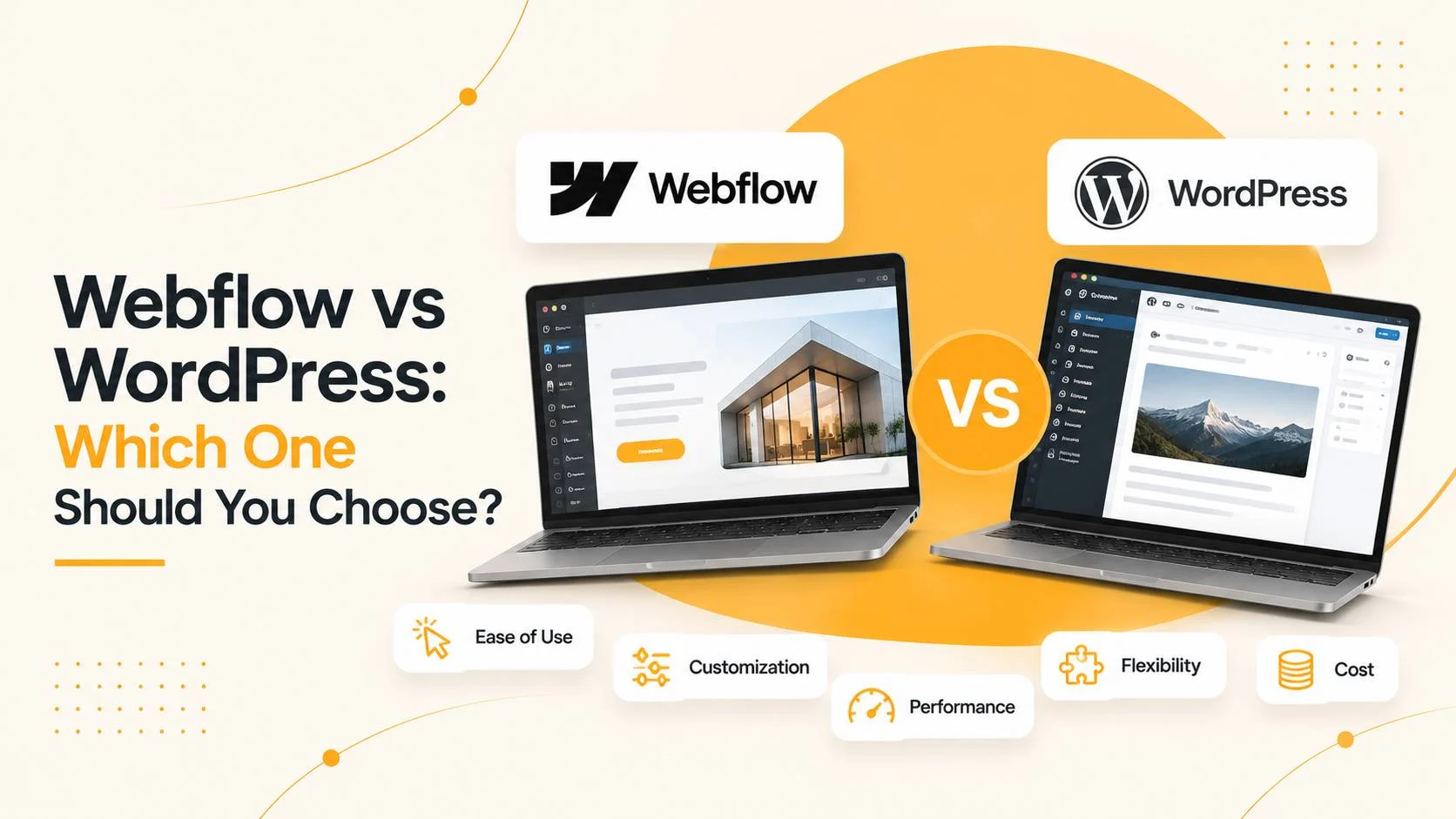
Webflow vs WordPress: which should you choose? Choose Webflow for a design-led marketing site with a simple structure that you want live quickly and don’t want to host yourself. Choose WordPress when the site needs to grow: a store, integrations, several languages, custom features, and full ownership of the code. Below is a practical comparison of cost, SEO, ecommerce, multilingual support and maintenance, from a developer who builds on both.
Updated: November 2026. Webflow prices are based on public information and can change; check webflow.com/pricing for current numbers.
Webflow vs WordPress: the short answer
- Webflow is a hosted visual website builder. Hosting, SSL and platform updates are included in the subscription. It works well for landing pages, brochure sites and marketing sites.
- WordPress is an open-source CMS that you host yourself. It scales from a simple site to a complex one: a WooCommerce store, multilingual setup, integrations, member areas.
- The core trade-off: with Webflow you pay monthly for convenience on a closed platform. With WordPress you own the site and usually pay less over time, but someone has to maintain it.
Webflow vs WordPress comparison table
| Criteria | Webflow | WordPress |
|---|---|---|
| Platform type | Hosted builder, closed platform | Open-source CMS, you choose the hosting |
| Hosting and security | Included in the plan | Separate hosting; updates and backups are on you or your developer |
| Monthly cost | Subscription per site (CMS plans cost more) | Hosting and domain; usually cheaper long term |
| Plugins and extensions | Limited marketplace and integrations | Tens of thousands of plugins and themes |
| Online store | Built in, with product limits and less flexibility | WooCommerce: flexible, many integrations |
| SEO | Core tools and clean code | Rank Math or Yoast, full control over markup |
| Multilingual | Built-in localization, paid per extra language | Polylang, WPML and others: flexible, often cheaper |
| Ownership | The site runs only on Webflow; you can export static code without CMS logic | You own the files and database and can change hosts |
| Time to launch | Fast for simple sites | Fast with a ready theme, longer for a custom build |
When Webflow is the better choice
- You need a landing page or brochure website without complex logic.
- Design and animation matter more than extensibility.
- You don’t want to manage hosting, updates and security.
- A small team edits content and new features are rarely needed.
When WordPress is the better choice
- You need an online store with integrations: payments, shipping, inventory, CRM.
- The site will grow: blog, catalogue, member area, custom content types.
- You need multiple languages without paying per language.
- You want full ownership and the freedom to change hosting or developer.
- You plan serious technical SEO work with detailed control over structure and schema.
Webflow and WordPress cost compared
Webflow charges a monthly subscription per site. According to public data in November 2026, the cheapest paid plan starts at roughly $15 per month billed annually, plans with CMS for blogs and catalogues cost more, and ecommerce plans start at a few dozen dollars per month. Each extra language in Webflow Localization is billed separately. Design and development costs are on top.
WordPress itself is free, but you pay for hosting, a domain and maintenance. For anything more complex than a brochure site, WordPress is usually cheaper over time. I price Webflow projects individually; for WordPress, see full-cycle website development.
SEO: which platform ranks better
Both platforms let you control titles, meta descriptions, headings, alt text, redirects and sitemaps. Webflow outputs clean code and loads fast. WordPress adds deeper control through Rank Math: schema, breadcrumbs and detailed indexing rules. Rankings depend on site structure, content and technical quality, not on the platform name. For the technical side, read website SEO optimisation.
Multilingual sites
Webflow has built-in localization: every language is a separate locale billed per month, and some features, such as localized URLs, sit on higher plans. WordPress uses a plugin (Polylang or WPML) and keeps separate slugs and metadata per language. For a growing multilingual site, WordPress is usually more flexible and cheaper.
Migrating between Webflow and WordPress
On paid plans you can export Webflow’s HTML, CSS and JavaScript, but CMS logic, forms and the store won’t work in the exported code. CMS content can be exported as CSV. Moving to WordPress is therefore a rebuild that carries over design and content. A planned redesign with redirects keeps your rankings intact.
My approach: what I recommend and work with
My main specialization is WordPress, WooCommerce and custom block themes. I also take Webflow projects when it is the best fit, for example a landing page or presentation site that the client edits themselves. I don’t push a platform: I first define what the site must do, then recommend the stack. If you already have a Webflow site that needs rework or a move to WordPress, I can help with that too. I work remotely from Ukraine with clients in Europe and North America, and with agencies on a white-label basis.
Webflow vs WordPress: frequently asked questions
Which is better: Webflow or WordPress?
There is no universal answer. Webflow suits landing pages and marketing sites where design and fast launch matter most. WordPress is better for online stores, large or multilingual sites, and projects that need full code ownership and flexible integrations.
Is Webflow cheaper than WordPress?
Webflow can be simpler at the start because hosting is included. Over time WordPress is usually cheaper: you pay for hosting and a domain, not a subscription per site, language and add-on.
Can I build an online store on Webflow?
Yes, Webflow has built-in ecommerce, but it has product limits by plan and less customization. For stores with complex integrations, WooCommerce on WordPress is more flexible.
Is Webflow worse than WordPress for SEO?
No. Both let you control titles, descriptions, headings, redirects and sitemaps. Results depend on site structure, content and technical quality rather than the platform.
Can I move a site from Webflow to WordPress?
Yes. Design and content are carried over by hand or with CSV and code exports, while Webflow features such as CMS, forms and the store are rebuilt on WordPress. Redirects from old URLs protect your rankings.
Do I need coding skills to edit my site?
No. On both platforms you edit text and images in a visual editor. Bigger design or functionality changes are best handled by a developer.
Which platform is better for a multilingual website?
WordPress with Polylang or WPML is usually more flexible and cheaper, especially with more than one extra language. Webflow Localization is convenient, but each language adds a monthly fee.
Do you work with Webflow?
Yes. WordPress is my main specialization, but I also take Webflow projects when they fit the task. Describe your project and I will advise which platform to choose.
Not sure which platform fits? Let’s review your project
Tell me what the site needs to do and I’ll recommend Webflow or WordPress, with a clear estimate of cost and timeline. The consultation is free. You can also message me on Telegram.
Read also
- Full-cycle website development
- WooCommerce store in Ukraine: integrations and price
- Full Site Editing in 2026
- Website SEO optimisation